Reports Home Page
Map ID = 213
Schools Online can produce reports in these areas:
All links on this page are to external documents or locations. They must be re-created manually in RoboHelp 8 whenever this document is updated.
· Student Reports
· SACE Class Reports
· VET Reports
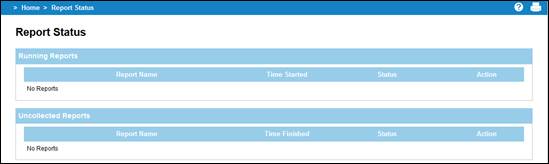
Report Status
When you start producing a report, you will be advised of its progress on the Report Status page. Once a report has finished running, it will appear under Uncollected Reports.
Menu: Home > Reports Home Page > Report Status
The following actions are available on the completed report:
1. Open. This allows you to either open or save the report.
2. Remove. Deletes the report from the list.
Reports 1 Report Status
If you navigate away from this page, you can collect your report later by selecting the Report Status under Reports menu.
Uncollected reported remain available on the Report Status page for about eight hours since the report was completed.